
Guide
Fart Together Permissions Explained
Every permission Fart Together asks for, explained in plain language: what it does, why the game needs it, and which requests would be red flags.
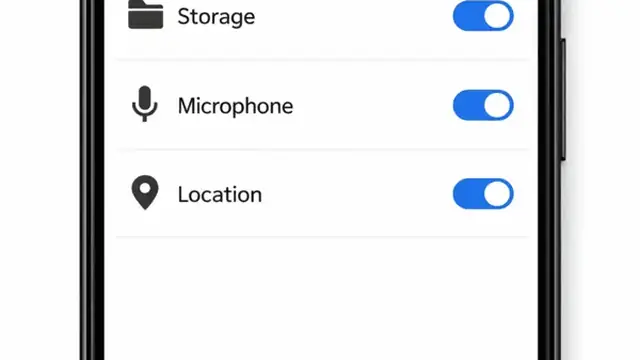
Permission prompts deserve scrutiny, even for a silly game. We installed the game on real phones and logged everything Fart Together asks for. Here is each permission in plain language.
Storage
The game asks for storage access to keep its course data, your coins, unlocks, and best times. This is normal and expected: a 3D game cannot function without somewhere to put its files. Denying it will break the game, so this one is a genuine requirement.
Network Access
Used for the initial setup and for serving ads, which is how a free game pays its bills. The game itself plays offline after that. If you are privacy-minded, you already know the drill: free games and ads go together, and our safety breakdown covers what we observed in practice.
Requests That Would Be Red Flags
The verified build does not ask for contacts, SMS, call logs, location, microphone, or device admin rights. If any file claiming to be this game requests those, stop the install immediately. A racing game has no business reading your messages, and such requests are the clearest sign of a tampered file. Parents can cross-check with our parents guide.
Managing Permissions After Install
On Android 7 and up you can review everything in Settings, Apps, Fart Together, Permissions. If a future update ever asks for something new, Android will prompt you again, and you can decide then. Sensible permissions are a green flag; this Fart Together build earns it.
Quick Answers
Why does it need storage permission?
To store course data, your progress, coins, and settings. The game cannot run without it.
Does it access my contacts or messages?
No. The verified build requests nothing of the sort. If yours does, the file is tampered.
Can I revoke permissions later?
Yes, in Settings, Apps, Permissions. Revoking storage will break the game, though.